
The Ui.Marketing Business App and Conversations AI Beta is only available in the US and Canada.
After you have purchased Conversations AI, you will get access to the Ui.Marketing Business App, where you can configure your Conversations AI, see basic reporting on your business, integrate with other platforms, and even get access to a CRM to communicate with all your customers in a single location.
This article is a basic overview of the Business App and it's key features which we break out into their own articles.
Home
Once you have logged into your business app, you will see your Home page.
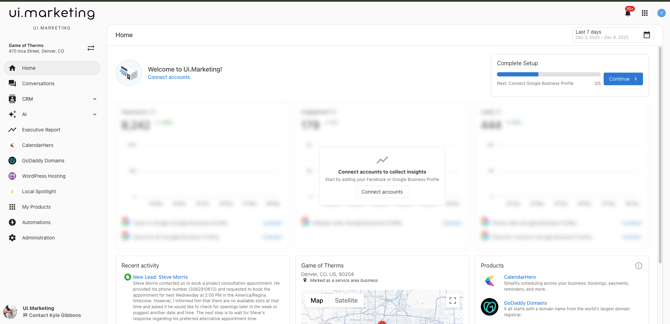
The goal of the Home dashboard is to provide a concise, actionable summary of your business's online activity:
- Key Metrics. A focused display of your performance data, organized into the three stages of the customer journey: Impressions (Reach), Engagement (Interaction), and Leads (Conversions). This data is pulled from your Performance Summary report.
- Recent Activity. A live feed of the most current customer interactions, including new messages, missed calls, and other vital activity from Conversations AI and other tools.
- Business Profile. A quick view and link to manage your fundamental business information and online location details.
- Products & Services. Access to all your available Ui.Marketing solutions and links to purchase additional services.
- Get Started Guide. For new users, a complete guide to assist with the initial setup and configuration of their Business App features.
Conversations
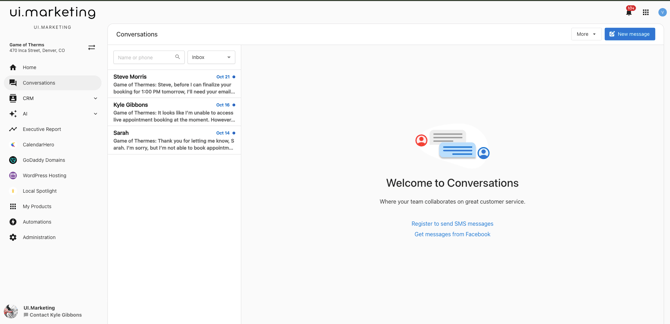
Within this area is where you will see all the conversations you have had via our Conversations AI products. You can also see any messages through any platforms you may have integrated.
CRM
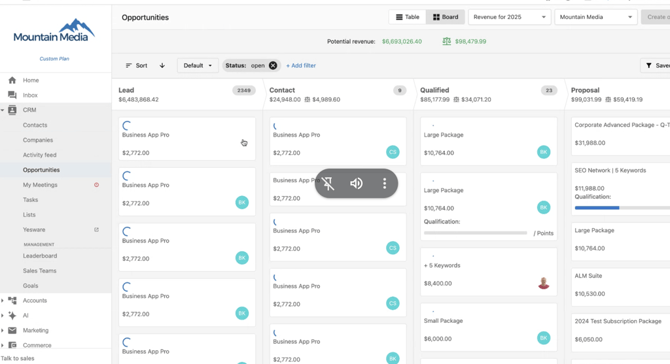
The CRM inside your Business App provides you with a powerful, centralized platform for managing all your customer relationships and new business opportunities. Built to streamline your sales process and improve customer engagement, it helps you organize contacts, track potential deals, and automate key communications to drive your business growth.
AI
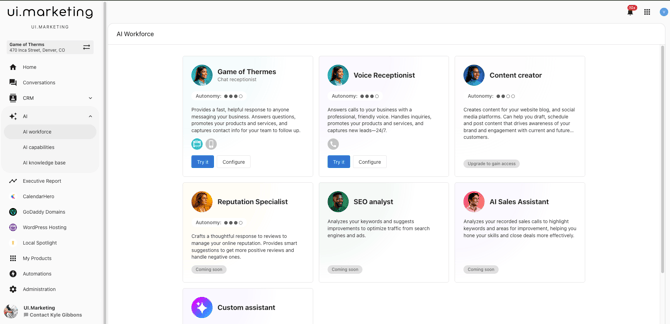
The AI area of your Business App allows you to configure your Conversation AI purchases and train your AI.
Learn more about training your AI >
Executive Report
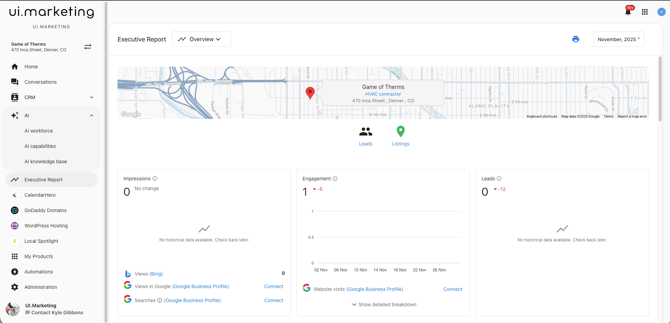
The Executive Summary is your easy-to-read, comprehensive report designed to give you a clear, consolidated view of how all your online marketing efforts are performing. Instead of logging into multiple tools, the Business App automatically collects and organizes your key results across all your active features.
Automations
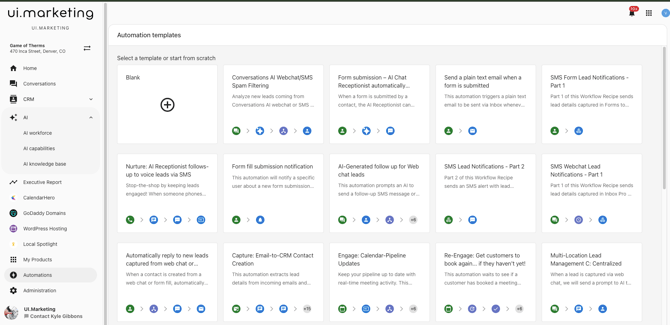
You can significantly enhance your communication strategy and efficiency by automating your messaging workflows within the Ui.Marketing Business App. Use pre-built templates or create custom workflows to manage customer interactions automatically.
Administration
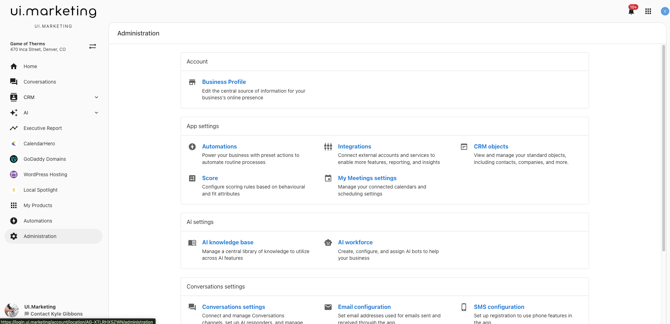
The Administration section provides comprehensive management tools for your business app configuration, team management, and business operations. This centralized hub gives you control over all aspects of your Ui.Marketing Business App platform setup.