
Overview
Ops users in Ui.Marketing are able to view all of the users that belong to their partner hierarchy. This includes other ops users, division, and advertiser users.
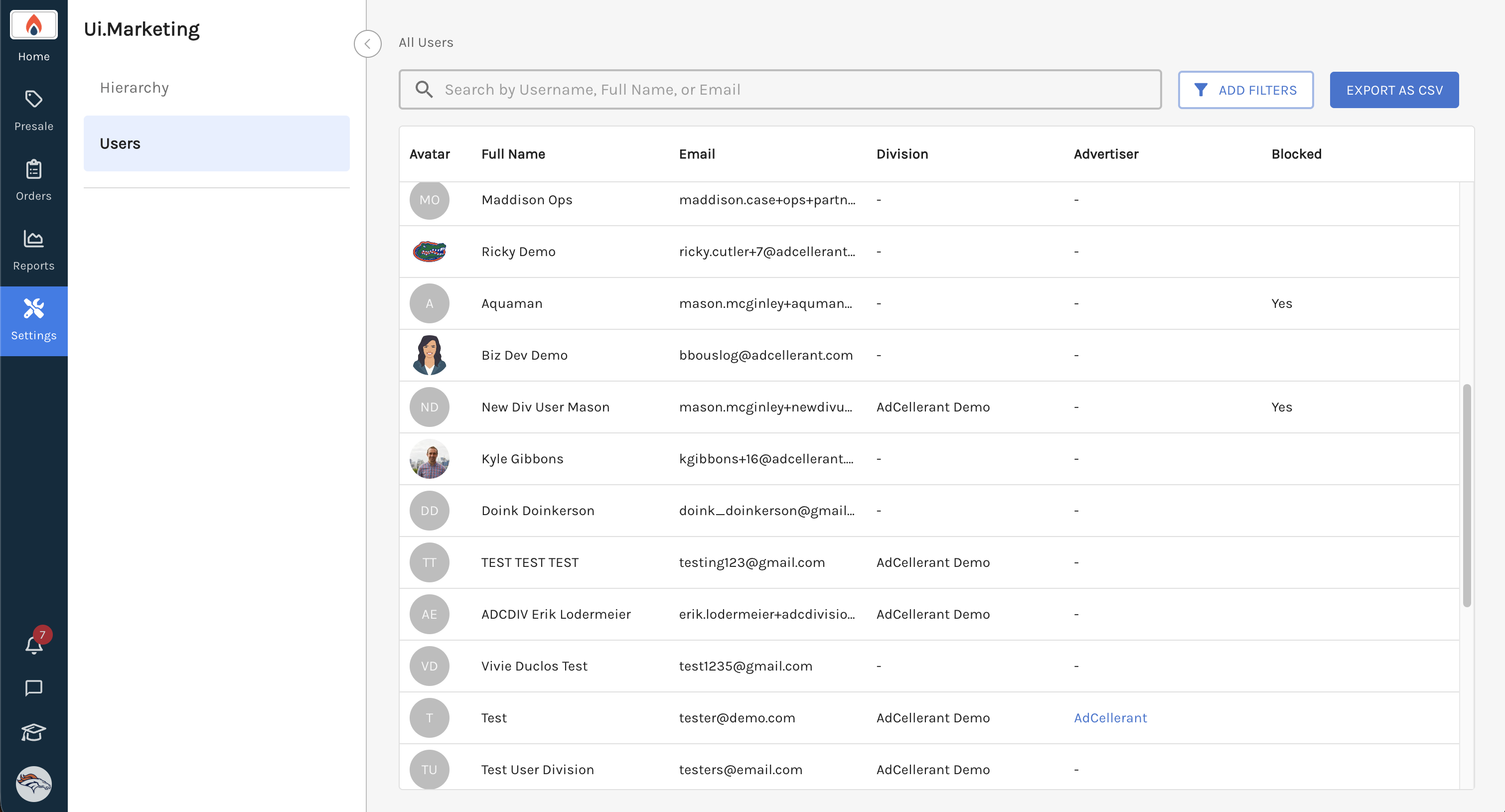
You can easily search or filter to find the user you are looking for. You can also export the user list as a CSV where you can see the user's last login date and time.
Simply just navigate to https://ui.marketing/admin/user to see the user table.
We'd love your feedback to learn more about what features you'd like when viewing and potentially managing users. Feel free to send us feedback via our Portal.